
Sandbox Studio
Explore Plaid products from the Dashboard, without writing code or handling API secrets
Overview
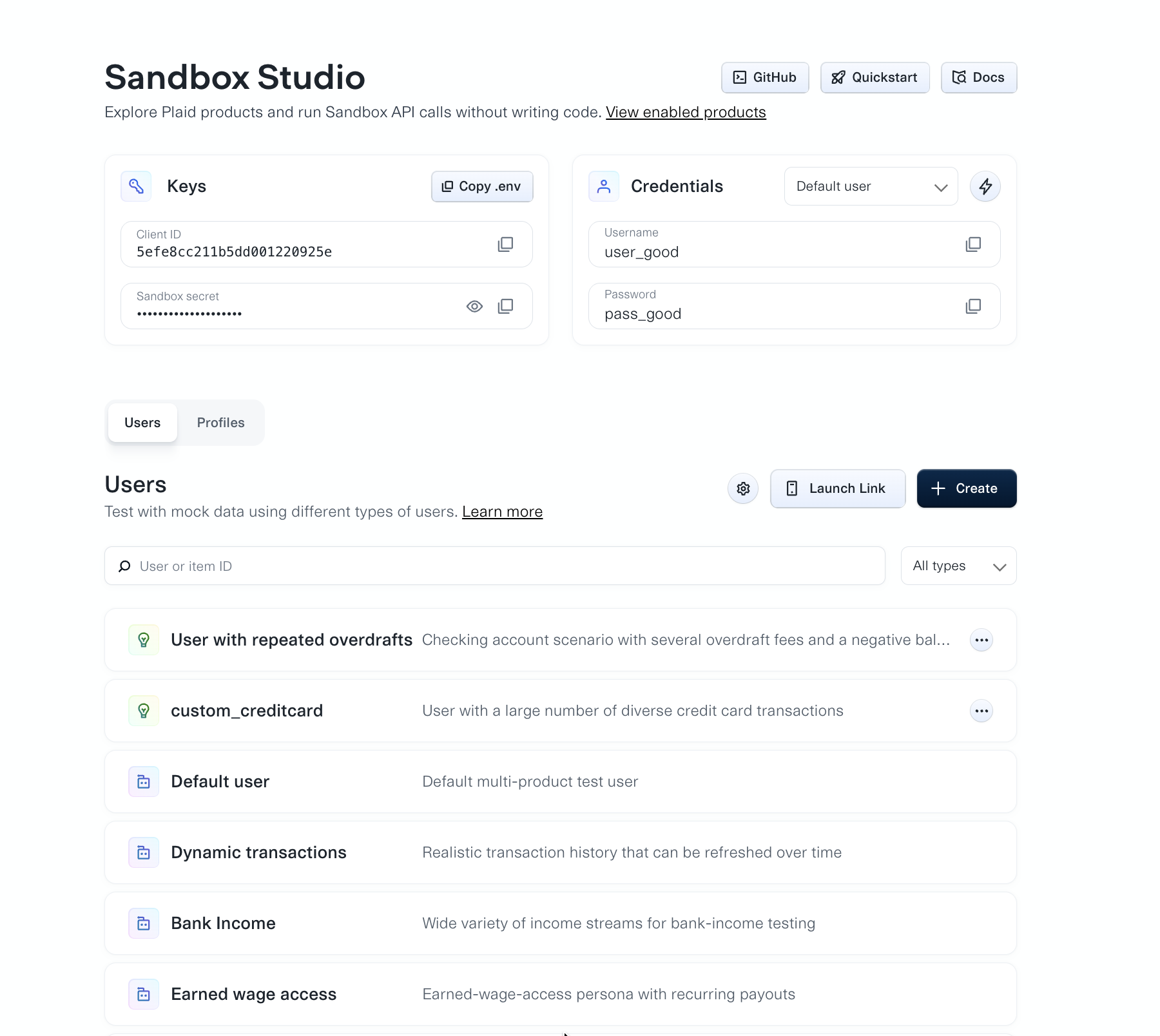
The Sandbox Studio tool in the Plaid Dashboard, under Build -> Sandbox, is a no-code way to work with Sandbox data. In the Dashboard, you can browse Plaid's built-in test users, create and edit your own custom users, access and manage Sandbox profiles for testing Layer and returning user flows, create an Item for any user by launching Link or by bypassing Link entirely, and call Sandbox endpoints against that Item -- either individually or as part of a guided multi-step scenario -- to view the full request and response. Your Sandbox API keys and the default test credentials are also shown on the page.
Sandbox test users
Sandbox Studio manages two kinds of test users.
One is Plaid's pre-populated test users, marked with a robot icon, which may contain dynamic data, but which you cannot edit. For more details, see test credentials.
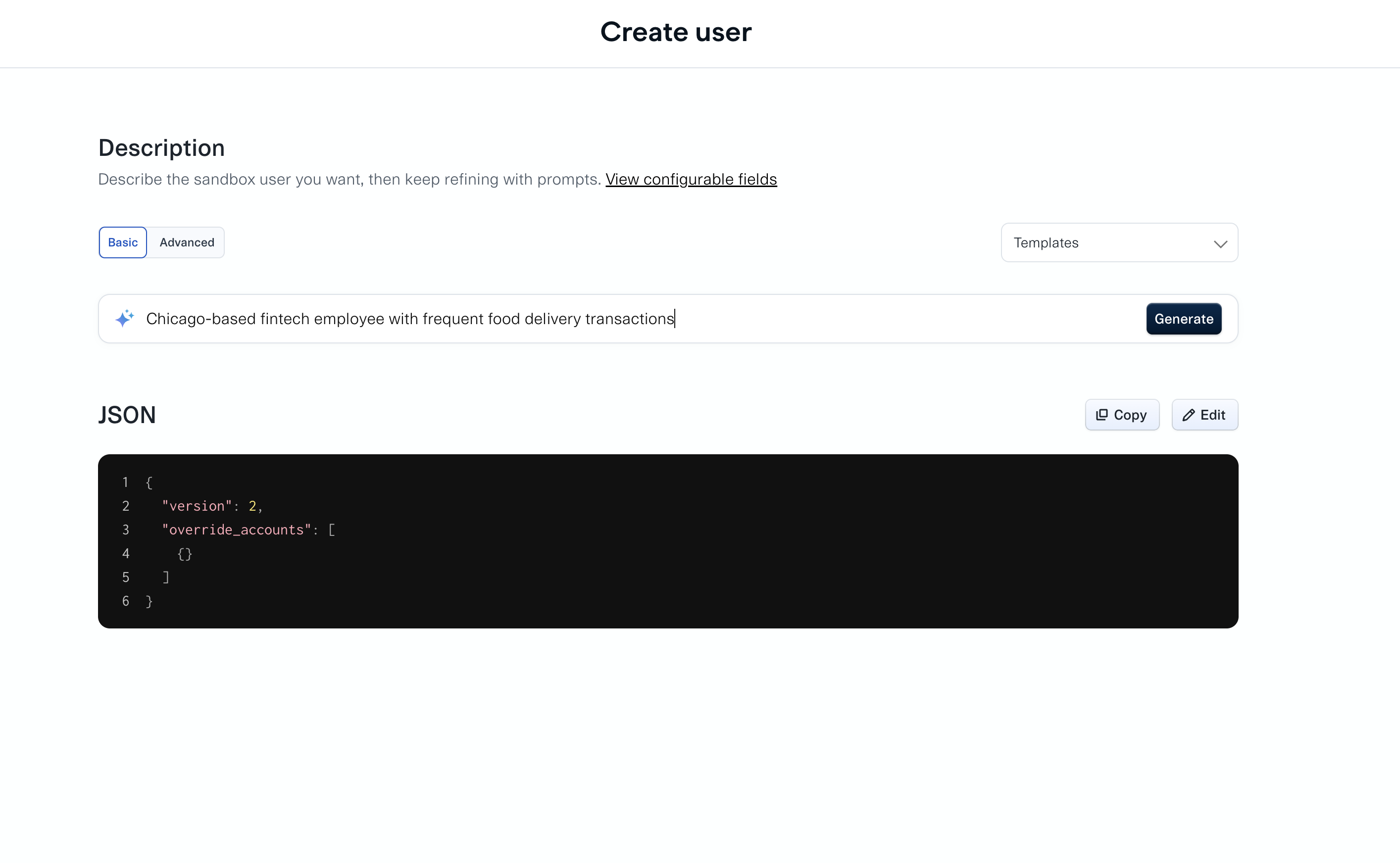
The other is custom users that you define, marked with a light bulb icon. Within the Dashboard, you can create, manage, and edit these users. Custom test users can be generated in the Dashboard from a prompt or a template, or by manually configuring JSON.
From any user you can Launch Link, to run the Link flow with that user's credentials pre-filled, or Skip Link to create an Item by /sandbox/public_token/create.
Sandbox Profiles
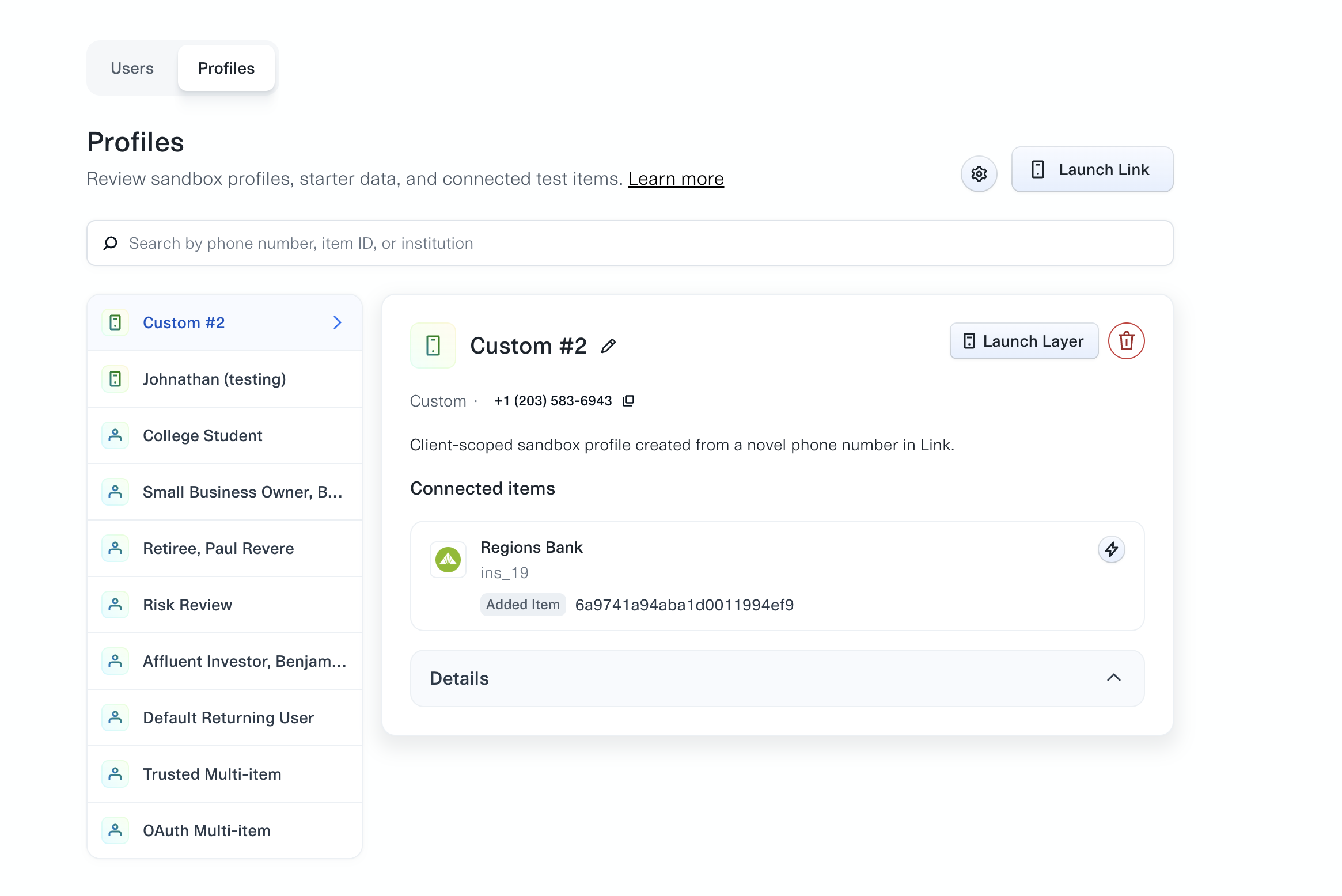
The Profiles tab contains Sandbox Profiles, which are saved returning-user profiles. A test user corresponds to a bank login, while a Sandbox profile corresponds to a specific phone number and represents a user who has connected accounts to Plaid before.
Sandbox Profiles allow you to test the returning user experience and Layer against a realistic set of connected accounts.
For more details on testing with Sandbox Profiles, see Sandbox Profiles.
API explorer
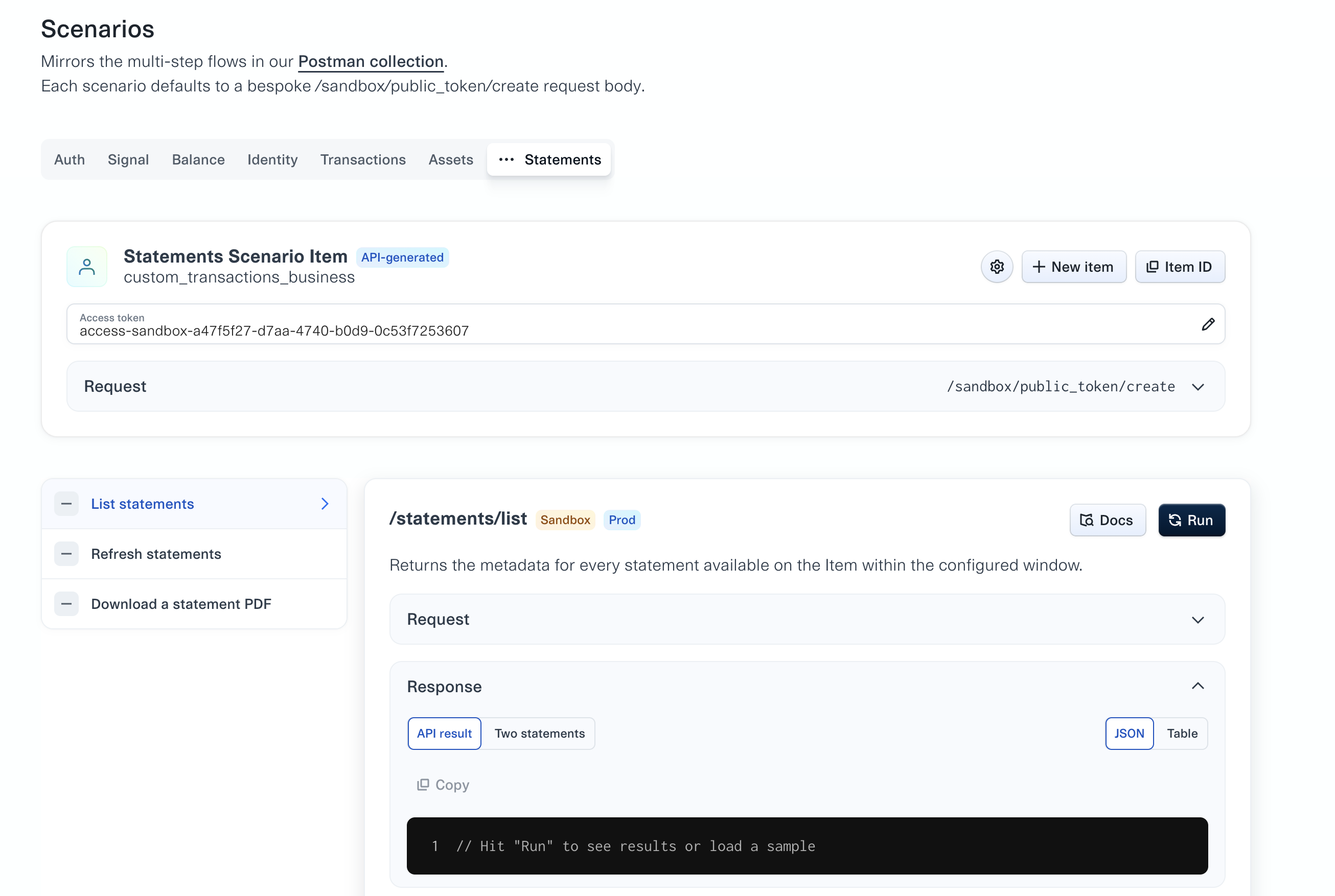
The API explorer runs live Sandbox calls against an Item and shows the full request and response. Every request can also be copied as a cURL command to run yourself.
The explorer has two tabs. Endpoints lets you call any of a curated set of major product API endpoints directly. Scenarios, scoped to a specific product, walks you through a multi-step flow using an Item and request payload that are pre-configured to work out of the box.
Configuration
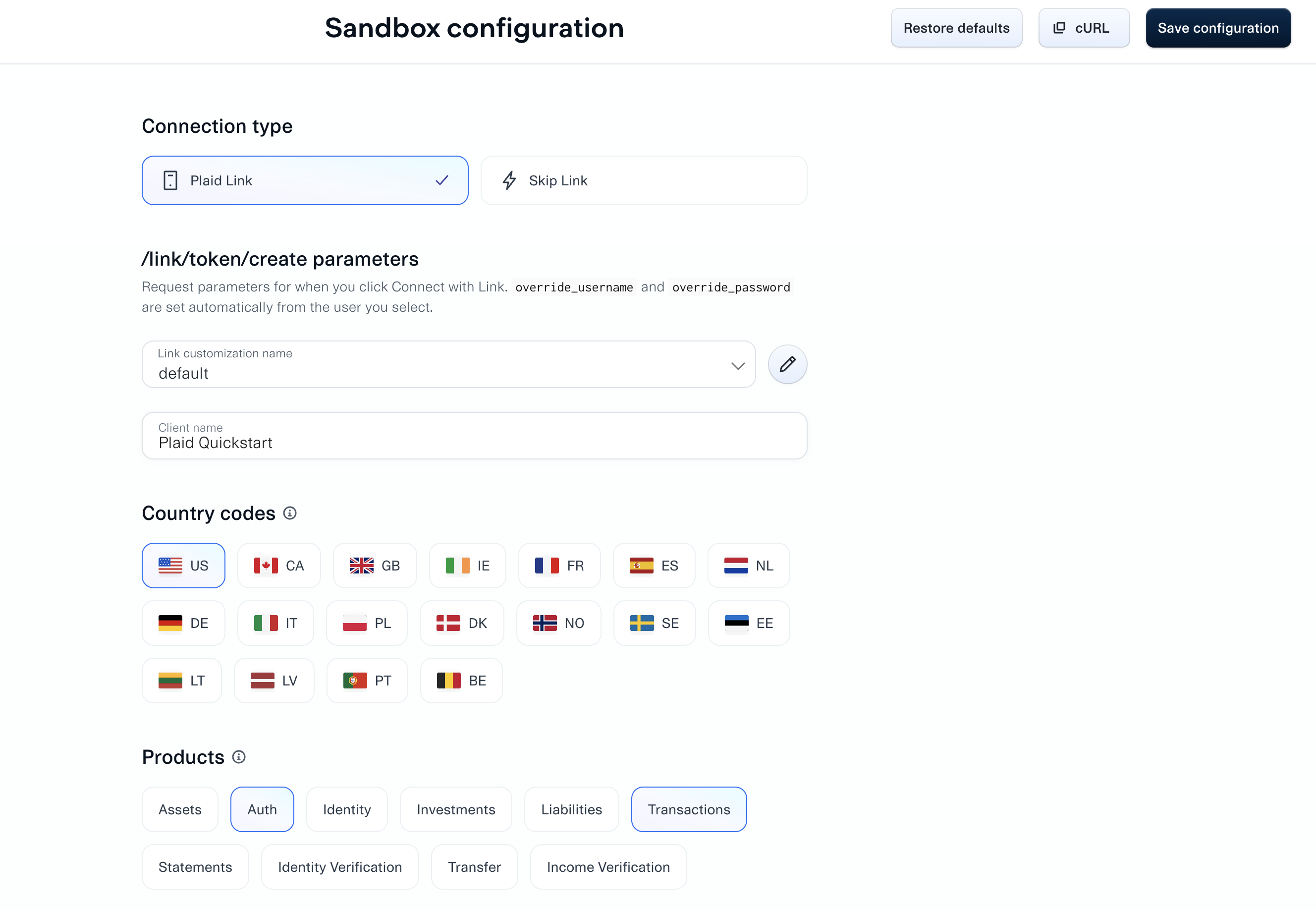
The configuration page allows you to customize the parameters used by the /link/token/create call used by Launch Link (including important parameters like products, which can impact the set of institutions available in Link), as well as the /sandbox/public_token/create overrides used by Skip Link. Changing configuration here does not affect your integration; it only changes the calls Sandbox Studio makes. For more details on the configuration options avilable here, see the documentation for /link/token/create.
Using the Sandbox API directly
Sandbox Studio is provided as a convenience feature for managing test users and making API calls without writing code. Most flows available via Sandbox Studio are also available directly via the API.
The exception is the ability to manage and reset Sandbox Profiles, which is available only via the Dashboard.
To access API explorer-style functionality in a dedicated tool like Postman or Bruno instead, see the Plaid Postman collection, which contains similar functionality.
To manage Sandbox custom users directly via the API, see Configuring the custom user account.