Consent management
Manage user consent and access authorization records
Overview
Plaid provides the ability to view authorization records and manage consent through the Consent API and the Data Partner Dashboard. Using these tools, you can build a customer-facing consent management dashboard as well as audit and review consent records.
Authorization records
An authorization record captures the full context of a user's consent:
- Application details: Which app has access (name, ID, logo)
- Accounts shared: Specific accounts the user authorized
- Data types: What data the app can access (transactions, balances, identity, etc.)
- Consent timestamp: When the user granted authorization
- Connection status: Active, revoked, or expired
Accessing authorization records
| Method | Best for | Availability |
|---|---|---|
| Consent API | Automated systems, high volume | All integration models |
| Data Partner Dashboard | Manual review, low volume | Single institution only |
The no-code Dashboard interface is only available for single-institution accounts. Platform accounts must use the Consent API.
Consent API (beta)
Build a consumer-facing consent portal, answer support requests about a customer's connections, and revoke access programmatically. Because it follows the FDX consent grant model, the Consent API allows you to build an integration supporting multiple data access platforms, rather than locking you into a Plaid-specific schema.
The Consent API is currently in beta. To request access, contact Plaid solutions engineering. Note that the no-code Dashboard does not currently support the Consent API; if using both surfaces, you may see inconsistent data across the two.
See the Consent API reference for endpoints, request and response fields, data clusters, webhooks, and Sandbox testing.
The Permissions Manager API is the legacy, Plaid-proprietary predecessor to the Consent API. It remains supported for integrations already built on it, and its reference page covers the same guidance as this page in its own schemas.
Data Partner Dashboard (single institution only)
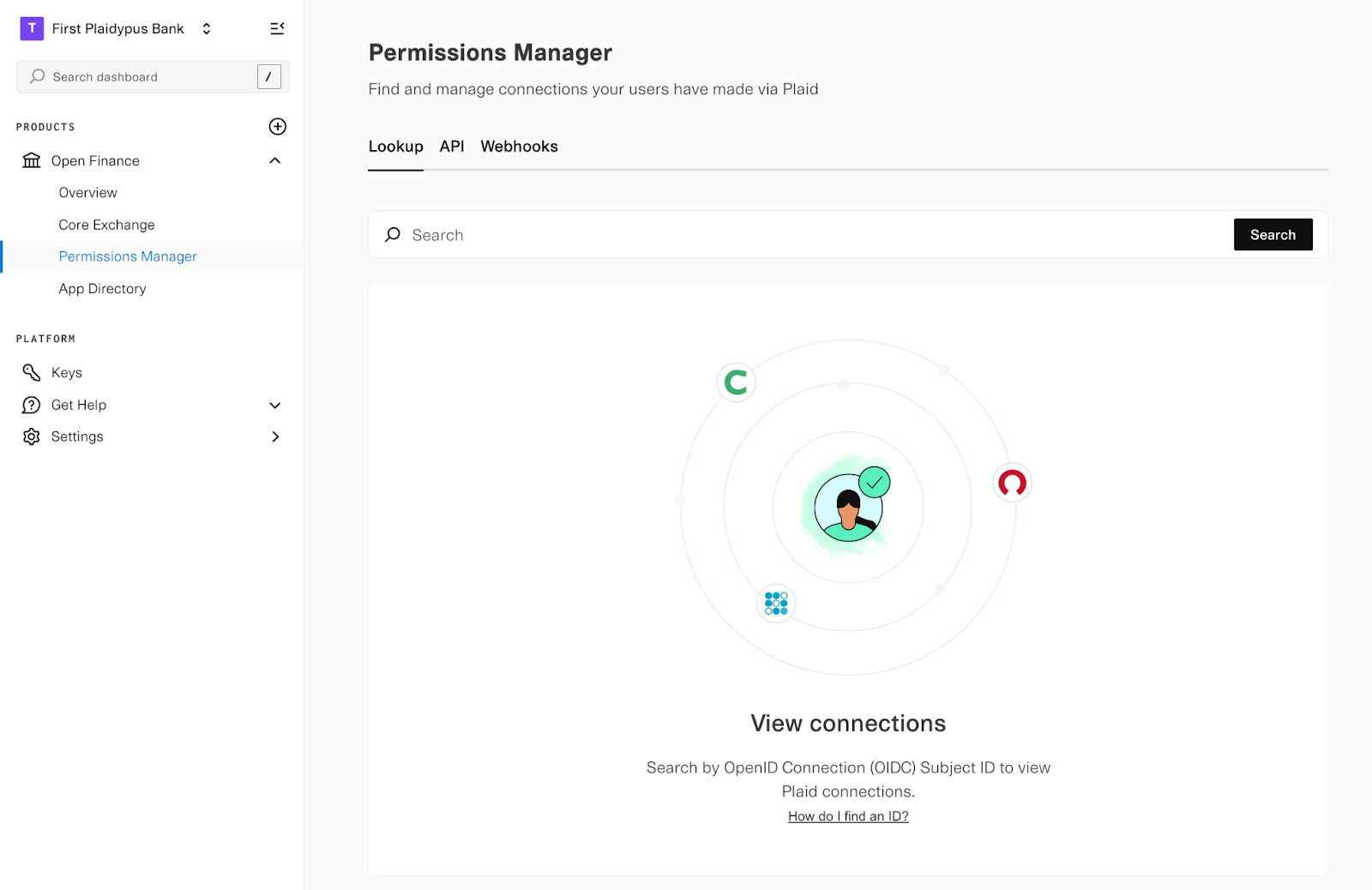
For single-institution accounts, use the Permissions Manager tabs of Plaid's Data Partner Dashboard to search authorization records by user identifier. Browse connections, view details, and manage access via the web, no API integration needed.
How to access: Reach out to your Plaid contact to enable dashboard access.
If you build your own consumer-facing consent portal (rather than relying solely on the Dashboard), you're responsible for keeping Plaid and connected apps in sync when a user revokes access on your domain; see Revocation and ecosystem sync on the Consent API reference.
Plaid Portal (my.plaid.com)
Users can view and manage all their Plaid connections at my.plaid.com. This consumer-facing portal shows:
- Which apps have access to their data
- Which accounts are shared with each app
- When users created connections
- Options to revoke access
Best practices
- Integrate with the Consent API or the dashboard to access authorization records
- Set refresh token expiration to 13+ months (allows buffer for reauthorization)
- Direct users to my.plaid.com for self-service connection management
If you're building against the Consent API directly, see its best practices for revocation and webhook guidance.