Dashboard overview
Configure your institution, manage environments, and monitor integration health
Your institution profile
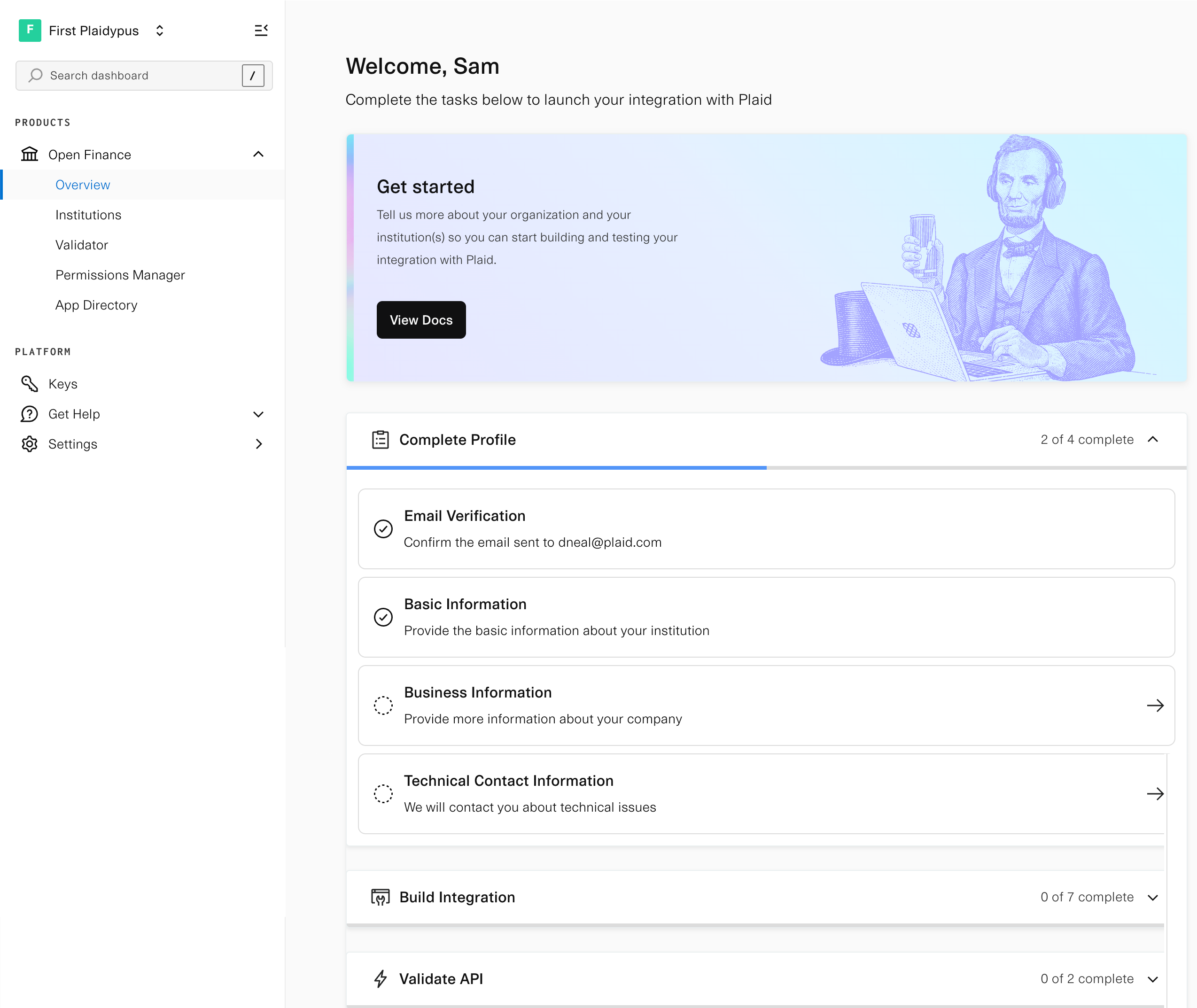
After signup, you'll land on the Overview page. Before you can start using Core Exchange, complete your profile by providing basic information about your institution. This includes:
- Verifying your email address
- Basic information about your institution
- Business information about your company
- Technical contact information
For a full list of required information, see Implementation checklist.
Institutions
The Institutions section enables you to configure Plaid's access to your API and establish your institution's brand in Plaid Link. Configuration differs based on your integration model. For details on single institution vs platform models, see the onboarding guide.
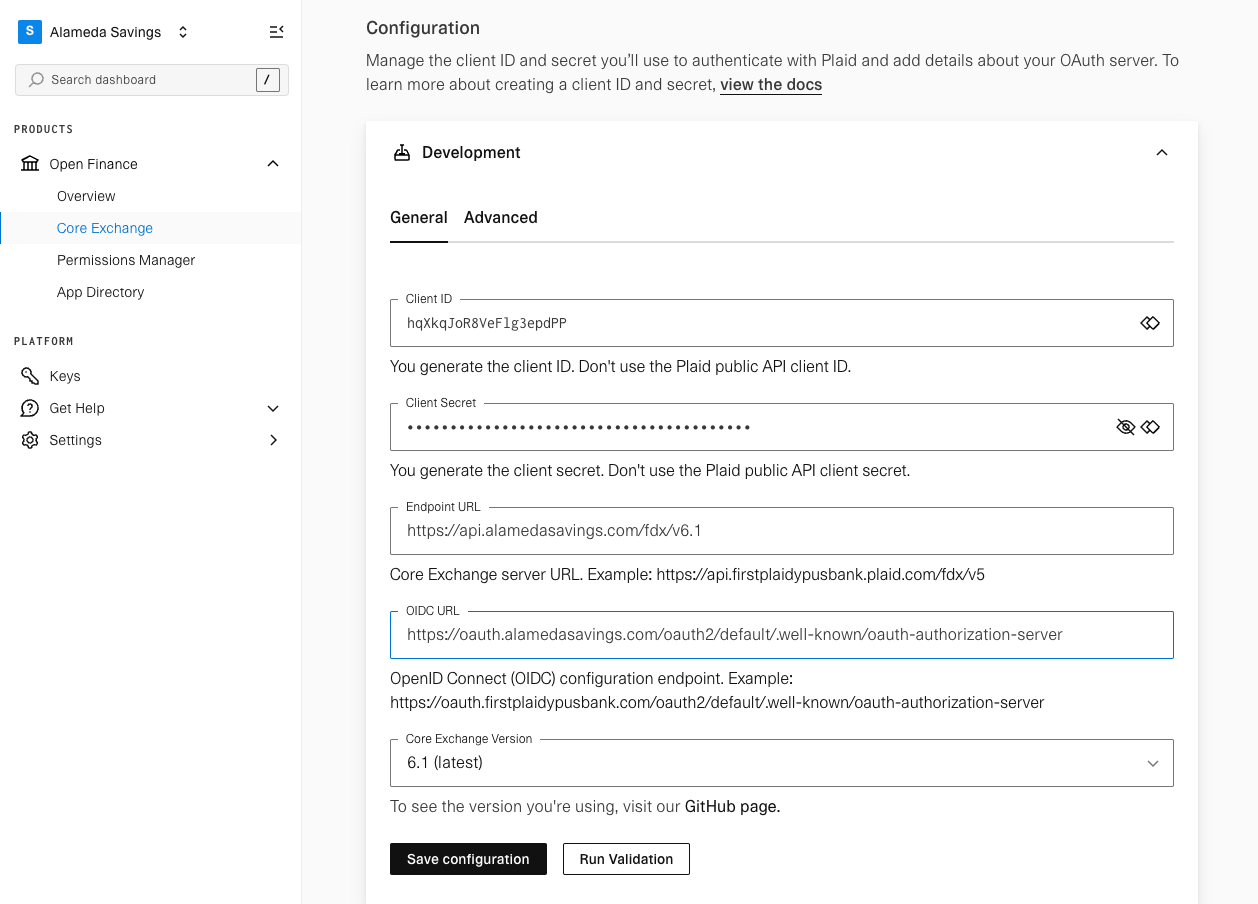
OAuth and API configuration
Configure your OAuth endpoints, client credentials, and API base URL for each environment.
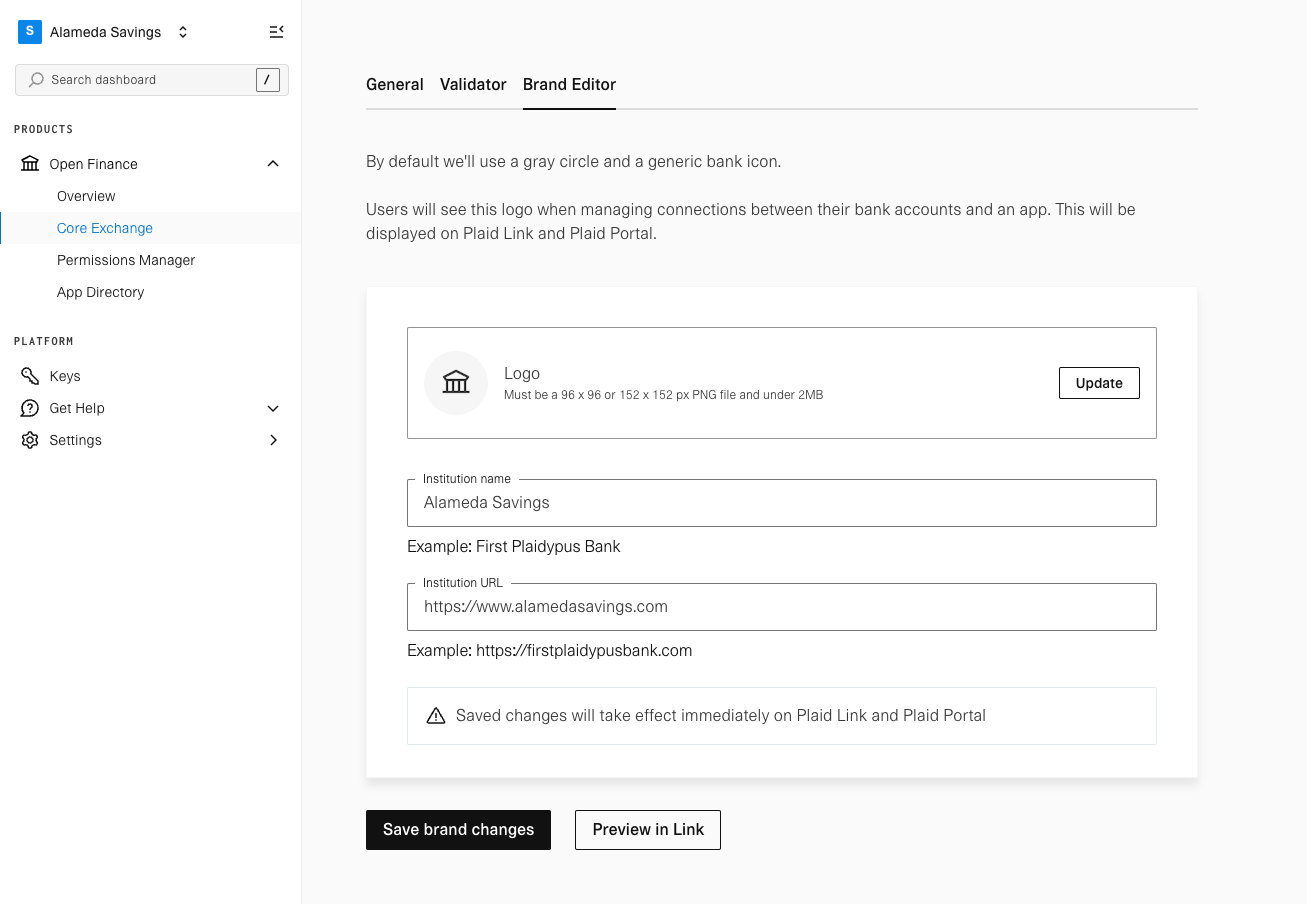
Brand editor
Configure your logo, institution name, and institution URL. Your logo file must be a 96x96 or 152x152 circular PNG and under 2MB.
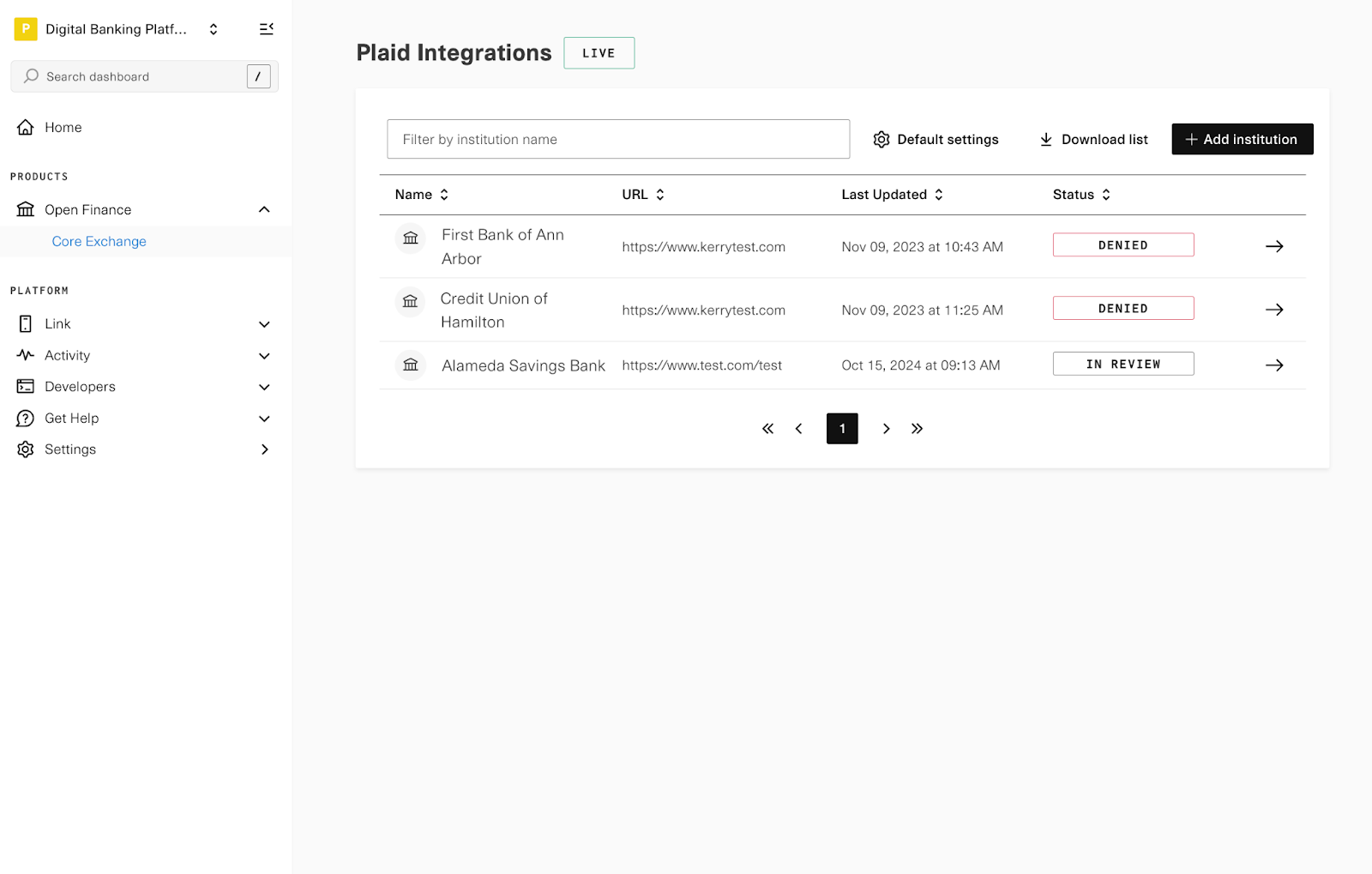
Platform institutions view
Platform accounts manage multiple institutions from a single dashboard. Each institution entry represents a distinct configuration.
After launch
Once your integration is live, the Dashboard also provides real-time integration health metrics, detailed error logs, and an Issue Center for monitoring and resolving issues. See Dashboard monitoring for details.